mcp-server-reddit
A Model Context Protocol (MCP) server that provides tools for fetching Reddit content, including frontpage posts, subreddit information and hot posts, post details, and comments.
Safety scan
A static text scan, not a guarantee. Select the badge to see what was scanned and every finding.
Badge for your README

Markdown
[](/listings/hawstein--mcp-server-reddit)HTML
<a href="/listings/hawstein--mcp-server-reddit"><img src="/api/listings/hawstein--mcp-server-reddit/badge.svg" alt="findsafeskills safety rating" /></a>Install
Install instructions from the README
As written by the repo's author. findsafeskills has not verified these steps.
Using [Clinde](https://clinde.ai/) (recommended)
The easiest way to use MCP Server Reddit is through the Clinde desktop app. Simply download and install Clinde, then:
1. Open the Clinde app 2. Navigate to the Servers page 3. Find mcp-server-reddit and click Install
That's it! No technical knowledge required - Clinde handles all the installation and configuration for you seamlessly.
Using uv (recommended)
When using [`uv`](https://docs.astral.sh/uv/) no specific installation is needed. We will use [`uvx`](https://docs.astral.sh/uv/guides/tools/) to directly run *mcp-server-reddit*.
Using PIP
Alternatively you can install `mcp-server-reddit` via pip:
pip install mcp-server-reddit
After installation, you can run it as a script using:
python -m mcp_server_reddit
Installing via Smithery
To install MCP Server Reddit for Claude Desktop automatically via [Smithery](https://smithery.ai/server/@Hawstein/mcp-server-reddit):
npx -y @smithery/cli install @Hawstein/mcp-server-reddit --client claude
What was scanned
The files the safety scan read, as written by the repository's author and shown as plain text. Lines with a finding are marked.
README.md · README · 195 lines
View this file on GitHub (read at the repository's current version: the scan did not record which commit it read)
- # MCP Server Reddit
- [](https://smithery.ai/server/@Hawstein/mcp-server-reddit)
- A Model Context Protocol server providing access to Reddit public API for LLMs. This server enables LLMs to interact with Reddit's content, including browsing frontpage posts, accessing subreddit information, and reading post comments.
- This server uses [redditwarp](https://github.com/Pyprohly/redditwarp) to interact with Reddit's public API and exposes the functionality through MCP protocol.
- <a href="https://glama.ai/mcp/servers/4032xr14pu"><img width="380" height="200" src="https://glama.ai/mcp/servers/4032xr14pu/badge" alt="Server Reddit MCP server" /></a>
- ## Video Demo (Click to Watch)
- A demo in Clinde 👇
- [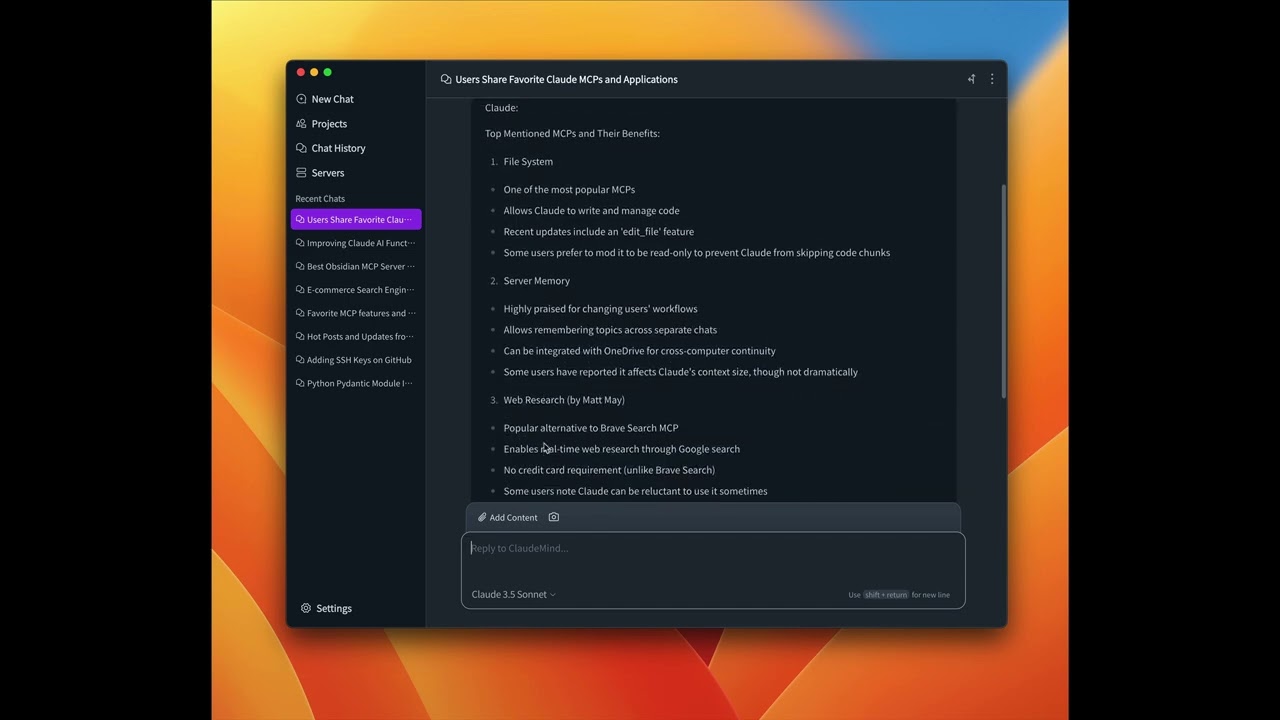](https://youtu.be/1Gdx1jWFbCM)
- ## Available Tools
- - `get_frontpage_posts` - Get hot posts from Reddit frontpage
- - Optional arguments:
- - `limit` (integer): Number of posts to return (default: 10, range: 1-100)
- - `get_subreddit_info` - Get information about a subreddit
- - Required arguments:
- - `subreddit_name` (string): Name of the subreddit (e.g. 'Python', 'news')
- - `get_subreddit_hot_posts` - Get hot posts from a specific subreddit
- - Required arguments:
- - `subreddit_name` (string): Name of the subreddit (e.g. 'Python', 'news')
- - Optional arguments:
- - `limit` (integer): Number of posts to return (default: 10, range: 1-100)
- - `get_subreddit_new_posts` - Get new posts from a specific subreddit
- - Required arguments:
- - `subreddit_name` (string): Name of the subreddit (e.g. 'Python', 'news')
- - Optional arguments:
- - `limit` (integer): Number of posts to return (default: 10, range: 1-100)
- - `get_subreddit_top_posts` - Get top posts from a specific subreddit
- - Required arguments:
- - `subreddit_name` (string): Name of the subreddit (e.g. 'Python', 'news')
- - Optional arguments:
- - `limit` (integer): Number of posts to return (default: 10, range: 1-100)
- - `time` (string): Time filter for top posts (default: '', options: 'hour', 'day', 'week', 'month', 'year', 'all')
- - `get_subreddit_rising_posts` - Get rising posts from a specific subreddit
- - Required arguments:
- - `subreddit_name` (string): Name of the subreddit (e.g. 'Python', 'news')
- - Optional arguments:
- - `limit` (integer): Number of posts to return (default: 10, range: 1-100)
- - `get_post_content` - Get detailed content of a specific post
- - Required arguments:
- - `post_id` (string): ID of the post
- - Optional arguments:
- - `comment_limit` (integer): Number of top-level comments to return (default: 10, range: 1-100)
- - `comment_depth` (integer): Maximum depth of comment tree (default: 3, range: 1-10)
- - `get_post_comments` - Get comments from a post
- - Required arguments:
- - `post_id` (string): ID of the post
- - Optional arguments:
- - `limit` (integer): Number of comments to return (default: 10, range: 1-100)
- ## Installation
- ### Using [Clinde](https://clinde.ai/) (recommended)
- The easiest way to use MCP Server Reddit is through the Clinde desktop app. Simply download and install Clinde, then:
- 1. Open the Clinde app
- 2. Navigate to the Servers page
- 3. Find mcp-server-reddit and click Install
- That's it! No technical knowledge required - Clinde handles all the installation and configuration for you seamlessly.
- ### Using uv (recommended)
- When using [`uv`](https://docs.astral.sh/uv/) no specific installation is needed. We will
- use [`uvx`](https://docs.astral.sh/uv/guides/tools/) to directly run *mcp-server-reddit*.
- ### Using PIP
- Alternatively you can install `mcp-server-reddit` via pip:
- ```bash
- pip install mcp-server-reddit
- ```
- After installation, you can run it as a script using:
- ```bash
- python -m mcp_server_reddit
- ```
- ### Installing via Smithery
- To install MCP Server Reddit for Claude Desktop automatically via [Smithery](https://smithery.ai/server/@Hawstein/mcp-server-reddit):
- ```bash
- npx -y @smithery/cli install @Hawstein/mcp-server-reddit --client claude
- ```
- ## Configuration
- ### Configure for Claude.app
- Add to your Claude settings:
- <details>
- <summary>Using uvx</summary>
- ```json
- "mcpServers": {
- "reddit": {
- "command": "uvx",
- "args": ["mcp-server-reddit"]
- }
- }
- ```
- </details>
- <details>
- <summary>Using pip installation</summary>
- ```json
- "mcpServers": {
- "reddit": {
- "command": "python",
- "args": ["-m", "mcp_server_reddit"]
- }
- }
- ```
- </details>
- ### Configure for Zed
- Add to your Zed settings.json:
- <details>
- <summary>Using uvx</summary>
- ```json
- "context_servers": [
- "mcp-server-reddit": {
- "command": "uvx",
- "args": ["mcp-server-reddit"]
- }
- ],
- ```
- </details>
- <details>
- <summary>Using pip installation</summary>
- ```json
- "context_servers": {
- "mcp-server-reddit": {
- "command": "python",
- "args": ["-m", "mcp_server_reddit"]
- }
- },
- ```
- </details>
- ## Examples of Questions
- - "What are the current hot posts on Reddit's frontpage?" (get_frontpage_posts)
- - "Tell me about the r/ClaudeAI subreddit" (get_subreddit_info)
- - "What are the hot posts in the r/ClaudeAI subreddit?" (get_subreddit_hot_posts)
- - "Show me the newest posts from r/ClaudeAI" (get_subreddit_new_posts)
- - "What are the top posts of all time in r/ClaudeAI?" (get_subreddit_top_posts)
- - "What posts are trending in r/ClaudeAI right now?" (get_subreddit_rising_posts)
- - "Get the full content and comments of this Reddit post: [post_url]" (get_post_content)
- - "Summarize the comments on this Reddit post: [post_url]" (get_post_comments)
- ## Debugging
- You can use the MCP inspector to debug the server. For uvx installations:
- ```bash
- npx @modelcontextprotocol/inspector uvx mcp-server-reddit
- ```
- Or if you've installed the package in a specific directory or are developing on it:
- ```bash
- cd path/to/mcp_server_reddit
- npx @modelcontextprotocol/inspector uv run mcp-server-reddit
- ```
- ## License
- mcp-server-reddit is licensed under the MIT License. This means you are free to use, modify, and distribute the software, subject to the terms and conditions of the MIT License. For more details, please see the LICENSE file in the project repository.
Ratings and comments
Sign in to rate this skill.
Sign inFree to use. If it’s helped, pass it on.