Figma-Context-MCP
MCP server to provide Figma layout information to AI coding agents like Cursor
Safety scan
A static text scan, not a guarantee. Select the badge to see what was scanned and every finding.
Check it deeper on your machine
It has changed since its scan on 11 Nov 2026.
As a Claude Code plugin, install it and then ask Claude Code:
/plugin marketplace add keithmackay/mackayi/plugin install scanskillsafety@mackayiDo a deep scan of https://github.com/GLips/Figma-Context-MCP with scanskillsafety
Or from a terminal, clone it and run it:
git clone https://github.com/keithmackay/scanskillsafety-skill ~/.claude/skills/scanskillsafetynode ~/.claude/skills/scanskillsafety/cli.cjs --deep 'https://github.com/GLips/Figma-Context-MCP'
It checks the exact commit: every file, its packages against OSV (api.osv.dev), how it compares with this page's scan (findsafeskills.com receives the repository's address), and, if you agree, Claude reading every file with your own Claude subscription. It never runs the code.
Badge for your README

Markdown
[](/listings/glips--figma-context-mcp)HTML
<a href="/listings/glips--figma-context-mcp"><img src="/api/listings/glips--figma-context-mcp/badge.svg" alt="findsafeskills safety rating" /></a>Install
Install instructions from the README
As written by the repo's author. findsafeskills has not verified these steps.
Many code editors and other AI clients use a configuration file to manage MCP servers.
The `figma-developer-mcp` server can be configured by adding the following to your configuration file.
> NOTE: You will need to create a Figma access token to use this server. Instructions on how to create a Figma API access token can be found [here](https://help.figma.com/hc/en-us/articles/8085703771159-Manage-personal-access-tokens).
MacOS / Linux
{
  "mcpServers": {
    "Framelink MCP for Figma": {
      "command": "npx",
      "args": ["-y", "figma-developer-mcp", "--figma-api-key=YOUR-KEY", "--stdio"]
    }
  }
}Windows
{
  "mcpServers": {
    "Framelink MCP for Figma": {
      "command": "cmd",
      "args": ["/c", "npx", "-y", "figma-developer-mcp", "--figma-api-key=YOUR-KEY", "--stdio"]
    }
  }
}Or you can set `FIGMA_API_KEY` and `PORT` in the `env` field.
If you need more information on how to configure the Framelink MCP for Figma, see the [Framelink docs](https://www.framelink.ai/docs/quickstart?utm_source=github&utm_medium=referral&utm_campaign=readme).
What was scanned
The files the safety scan read, as written by the repository's author and shown as plain text. Lines with a finding are marked.
README.md · README · 95 lines
View this file on GitHub (read at the repository's current version: the scan did not record which commit it read)
- <a href="https://www.framelink.ai/?utm_source=github&utm_medium=referral&utm_campaign=readme" target="_blank" rel="noopener">
- <picture>
- <source media="(prefers-color-scheme: dark)" srcset="https://www.framelink.ai/github/HeaderDark.png" />
- <img alt="Framelink" src="https://www.framelink.ai/github/HeaderLight.png" />
- </picture>
- </a>
- <div align="center">
- <h1>Framelink MCP for Figma</h1>
- <h3>Give your coding agent access to your Figma data.<br/>Implement designs in any framework in one-shot.</h3>
- <a href="https://npmcharts.com/compare/figma-developer-mcp?interval=30">
- <img alt="weekly downloads" src="https://img.shields.io/npm/dm/figma-developer-mcp.svg">
- </a>
- <a href="https://github.com/GLips/Figma-Context-MCP/blob/main/LICENSE">
- <img alt="MIT License" src="https://img.shields.io/github/license/GLips/Figma-Context-MCP" />
- </a>
- <a href="https://framelink.ai/discord">
- <img alt="Discord" src="https://img.shields.io/discord/1352337336913887343?color=7389D8&label&logo=discord&logoColor=ffffff" />
- </a>
- <br />
- <a href="https://twitter.com/glipsman">
- <img alt="Twitter" src="https://img.shields.io/twitter/url?url=https%3A%2F%2Fx.com%2Fglipsman&label=%40glipsman" />
- </a>
- </div>
- <br/>
- Give [Cursor](https://cursor.sh/) and other AI-powered coding tools access to your Figma files with this [Model Context Protocol](https://modelcontextprotocol.io/introduction) server.
- When Cursor has access to Figma design data, it's **way** better at one-shotting designs accurately than alternative approaches like pasting screenshots.
- <h3><a href="https://www.framelink.ai/docs/quickstart?utm_source=github&utm_medium=referral&utm_campaign=readme">See quickstart instructions →</a></h3>
- ## Demo
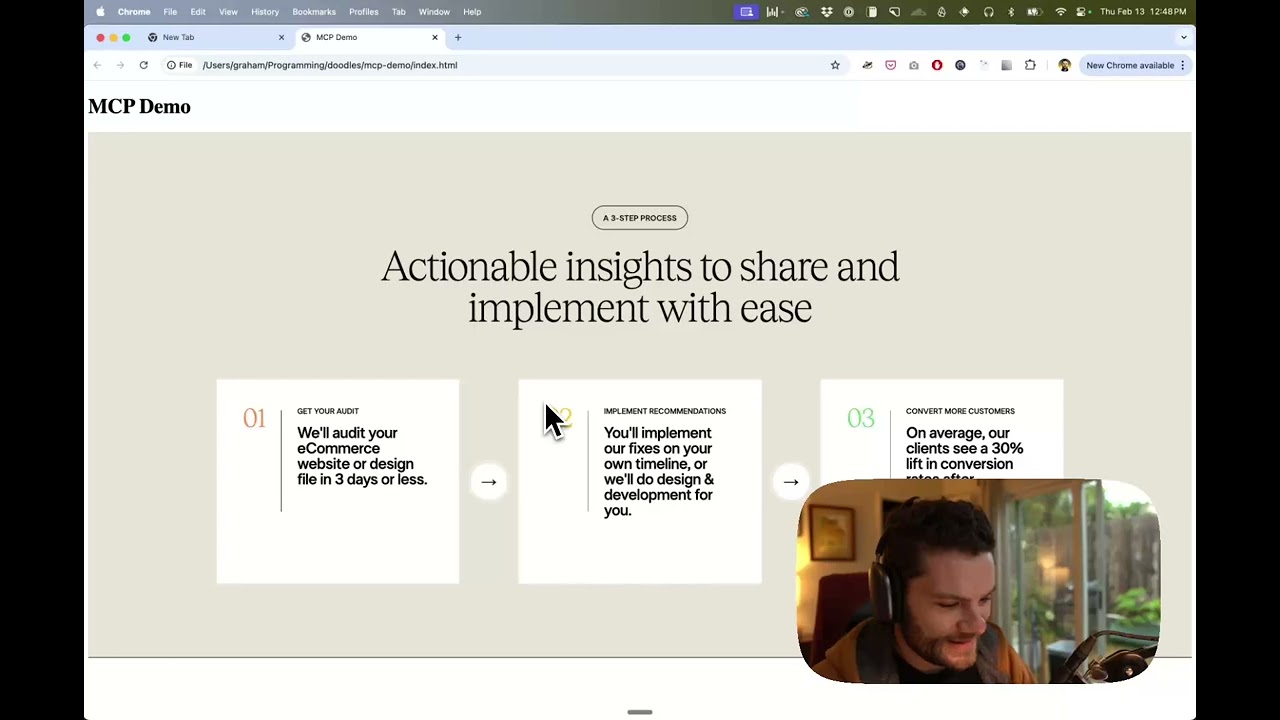
- [Watch a demo of building a UI in Cursor with Figma design data](https://youtu.be/6G9yb-LrEqg)
- [](https://youtu.be/6G9yb-LrEqg)
- ## How it works
- 1. Open your IDE's chat (e.g. agent mode in Cursor).
- 2. Paste a link to a Figma file, frame, or group.
- 3. Ask Cursor to do something with the Figma file—e.g. implement the design.
- 4. Cursor will fetch the relevant metadata from Figma and use it to write your code.
- This MCP server is specifically designed for use with Cursor. Before responding with context from the [Figma API](https://www.figma.com/developers/api), it simplifies and translates the response so only the most relevant layout and styling information is provided to the model.
- Reducing the amount of context provided to the model helps make the AI more accurate and the responses more relevant.
- ## Getting Started
- Many code editors and other AI clients use a configuration file to manage MCP servers.
- The `figma-developer-mcp` server can be configured by adding the following to your configuration file.
- > NOTE: You will need to create a Figma access token to use this server. Instructions on how to create a Figma API access token can be found [here](https://help.figma.com/hc/en-us/articles/8085703771159-Manage-personal-access-tokens).
- ### MacOS / Linux
- ```json
- {
- "mcpServers": {
- "Framelink MCP for Figma": {
- "command": "npx",
- "args": ["-y", "figma-developer-mcp", "--figma-api-key=YOUR-KEY", "--stdio"]
- }
- }
- }
- ```
- ### Windows
- ```json
- {
- "mcpServers": {
- "Framelink MCP for Figma": {
- "command": "cmd",
- "args": ["/c", "npx", "-y", "figma-developer-mcp", "--figma-api-key=YOUR-KEY", "--stdio"]
- }
- }
- }
- ```
- Or you can set `FIGMA_API_KEY` and `PORT` in the `env` field.
- If you need more information on how to configure the Framelink MCP for Figma, see the [Framelink docs](https://www.framelink.ai/docs/quickstart?utm_source=github&utm_medium=referral&utm_campaign=readme).
- ## Star History
- <a href="https://star-history.com/#GLips/Figma-Context-MCP"><img src="https://api.star-history.com/svg?repos=GLips/Figma-Context-MCP&type=Date" alt="Star History Chart" width="600" /></a>
- ## Learn More
- The Framelink MCP for Figma is simple but powerful. Get the most out of it by learning more at the [Framelink](https://framelink.ai?utm_source=github&utm_medium=referral&utm_campaign=readme) site.
Ratings and comments
Sign in to rate this skill.
Sign inFree to use. If it’s helped, pass it on.